Can a One-Page Website Work for a Small Business?
If you’re starting a small business, you might be wondering whether you really need a website with several pages. Perhaps you’ve seen simple websites where everything appears on one page, and you’re thinking that could be enough for your business too.
It’s a sensible question, especially when you’re watching your spending. You want customers to find you, understand what you offer and get in touch. You don’t necessarily want to pay for a complicated website with features you’ll never use.
But there’s a difference between having a website that looks good and having one that does the job your business needs. A single page can be an excellent starting point for some businesses. For others, it can make things harder as the business grows.
Quick Answer
Yes, a one-page website can work for a small business, particularly when you offer one main service, serve a clearly defined audience or simply need a professional online presence. A well-designed single page can explain your services, build trust and encourage customers to contact you.
However, a one-page website has limitations. It can be harder to organise several different services, target different search topics and give customers detailed information. If your business depends heavily on people finding individual services through Google, a multi-page website may be the better long-term choice.
The best option depends on what you sell, how customers find you and what you want your website to achieve.
What Is a One-Page Website?
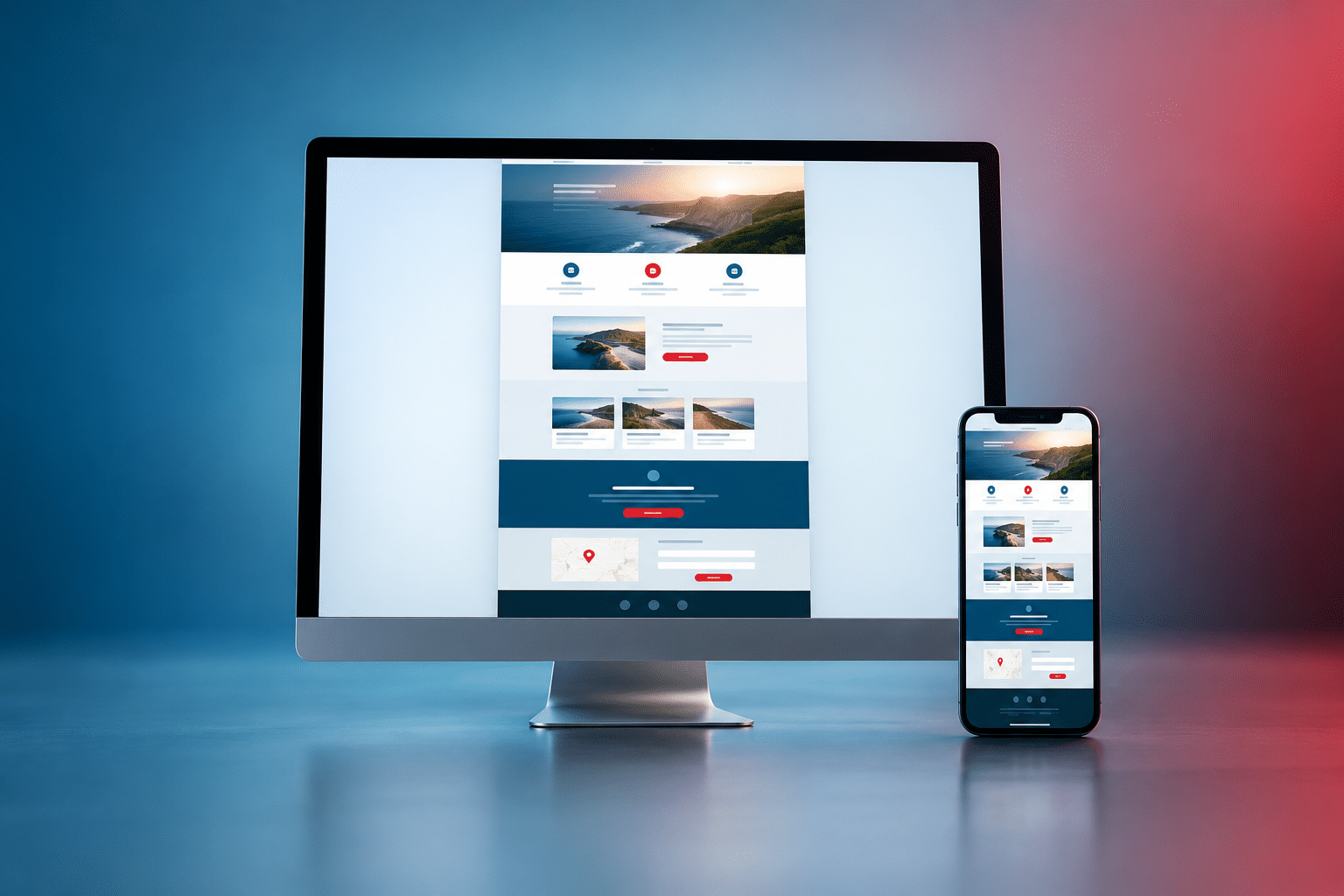
A one-page website is a website where most of the main information appears on one continuous page. Instead of clicking through separate pages for services, company information and contact details, visitors scroll down to find what they need.
There may still be a menu at the top, but clicking an item usually takes the visitor to a different section of the same page. For example, clicking “Services” moves down to the services section rather than opening another page.
Imagine you’re a self-employed window cleaner. Your website could introduce your business, explain the areas you cover, list the types of cleaning you provide, show customer reviews and finish with a contact form. All of that could fit comfortably onto one well-organised page.
A one-page website is not quite the same as a landing page. A landing page normally focuses on one action, such as requesting a quote or signing up for an offer. A one-page business website may cover several parts of your business while keeping everything on a single page.
When a One-Page Website Works Well
A one-page website tends to work best when your business is easy to explain and your customers don’t need to compare lots of different services before contacting you.
Businesses offering one main service
Consider a mobile car valeter who provides a straightforward cleaning service in one local area. Customers mainly want to know what’s included, how much it costs, where the business operates and how to book. A clear single-page website could answer those questions without unnecessary pages.
New businesses testing an idea
If you’ve just started a business, you might not yet know which services customers will be most interested in. A one-page website can give you a professional starting point while you learn what people are looking for.
You can explain your offer, collect enquiries and see which questions customers ask. As you learn more, you can decide whether extra pages would help.
Businesses that get customers through recommendations
Some businesses get most of their work through word of mouth, networking or existing customers. Their website may mainly act as a place where potential customers check that the business is genuine and find contact details.
For this type of business, a straightforward website with clear information and trust signals may be enough.
Simple promotional offers
A business promoting a single workshop, event or seasonal service might benefit from keeping all the information together. Visitors can read the details and make an enquiry without navigating several pages.
The Main Advantages of a One-Page Website
1. Customers can find the main information quickly
When the page is organised properly, customers can move naturally from understanding what you offer to deciding whether to contact you. They don’t need to search through several menus to find your phone number or service area.
This is particularly helpful when someone has arrived through a recommendation and already knows roughly what they’re looking for.
2. It can be simpler to maintain
With fewer pages, there’s usually less content to keep updated. If your business hours change or you introduce a new service, you may only need to update one section.
That doesn’t mean a one-page website needs no maintenance. Its software, security, contact forms and other features still need attention.
3. It can provide a clear customer journey
A single-page layout allows you to decide the order in which customers see information. You might begin with the main service, explain the benefits, answer common concerns, show reviews and then invite people to request a quote.
That can work well when customers have a fairly simple buying decision.
4. It may cost less to create
When the requirements are straightforward, a one-page website may involve less design and content work than a larger website. This can make it appealing to new businesses with limited budgets.
However, the number of pages isn’t the only factor affecting cost. Custom features, booking systems, copywriting and design requirements can make even a single page more involved.
The Disadvantages Small Businesses Should Consider
Different services can become difficult to explain
Imagine you’re an electrician offering rewiring, consumer unit replacements, emergency call-outs and electrical inspections. Each service answers a different customer need and may involve different questions.
If you squeeze everything onto one page, visitors may struggle to find the detail they want. Separate service pages could give each subject enough room without overwhelming the reader.
Long pages can become tiring to navigate
A one-page website isn’t automatically easier to use. If it contains too many sections, large images and lengthy explanations, visitors may spend more time scrolling than finding answers.
A clear menu that jumps to the correct section can help, but sometimes separate pages are simply more practical.
You have fewer pages for different search topics
With a multi-page website, a cleaning company might have separate pages for office cleaning, commercial kitchen cleaning and end-of-tenancy cleaning. Each page can focus on the information customers need for that particular service.
On a single page, those subjects compete for limited space. That doesn’t prevent the website from appearing in search results, but it can restrict how much useful detail you provide for each search.
Future growth may require restructuring
A one-page website may be enough when you start. But if you later introduce more services, new locations, customer resources or online booking options, your original layout might become too crowded.
Planning for growth early can save you from rebuilding parts of your website later.
Can a One-Page Website Rank on Google?
Yes. Google can discover, index and rank a one-page website when the page is accessible and provides relevant, useful information. Having more pages does not automatically mean better rankings, and having only one page does not automatically prevent good rankings.
The difficulty comes when you want one page to answer several different searches. Someone looking for “emergency electrician” may need different information from someone searching for “landlord electrical inspection”. Separate pages can make it easier to give each visitor a focused answer.
Google’s guidance on helpful, reliable content encourages websites to create information that genuinely serves readers. That principle matters more than simply adding pages to increase a website’s size.
Local SEO for a one-page website
If you serve customers in a particular town, include your genuine service area, contact details and a clear explanation of what you do. A properly maintained Google Business Profile may also help eligible local businesses appear in local search results.
However, listing dozens of towns on one page won’t automatically make you visible in all those places. Your business relevance, location, competition and other factors also affect local visibility.
What about AI-powered search?
AI-powered search systems may use website information when answering questions or finding businesses. Clear descriptions of your services, business details and answers to customer questions can help make your information understandable.
There is no guarantee that a one-page or multi-page website will be mentioned by an AI assistant. The sensible approach is to make your information accurate, accessible and genuinely useful rather than choosing a page count solely for AI visibility.
If attracting customers through search is an important part of your business plan, it may be worth exploring SEO and AI visibility support before deciding how to organise your website.
What Should Your One-Page Website Include?
A successful single-page business website needs more than an attractive design. It should answer the questions customers are likely to ask before deciding whether to get in touch.
1. A clear opening message
The first section should explain what your business does and who it helps. A statement such as “Reliable Domestic Cleaning in Dartford” tells visitors much more than a vague slogan about quality and excellence.
2. Your main services
Describe what customers can actually buy or book. Keep the explanations short enough to scan, but include important details such as what’s included, who the service is suitable for and any relevant limitations.
3. Reasons customers can trust you
Real customer reviews, relevant qualifications, genuine photographs of your work and clear business information can help people decide whether to contact you. Only display credentials or testimonials that are accurate and authorised for use.
4. Your service area
If you’re a local business, explain where you operate. Customers shouldn’t have to phone just to discover whether you cover their town.
5. Simple contact options
Make it easy to call, email or request a quote. On mobile phones, a clearly labelled phone link can be particularly useful. If you use a contact form, ask only for the information you actually need.
6. Answers to common customer questions
Include a few questions that might otherwise stop someone from contacting you. For example, a gardener could explain whether customers need to provide tools, how estimates work and which areas are covered.
7. Appropriate legal and privacy information
Even a small website may need privacy information and other legal details depending on the business and how the site operates. If you collect personal information through forms, explain how you use it.
For UK businesses, the Information Commissioner’s Office guidance is a useful starting point for understanding data protection responsibilities. If you use non-essential cookies or similar tracking, additional consent requirements may apply.
Legal notices, privacy information and cookie settings can be provided through separate supporting pages or controls. Having these doesn’t stop your main business presentation from being a one-page design.
Is a One-Page Website Cheaper Than a Multi-Page Website?
A one-page website can be cheaper to build, but it isn’t always the cheapest option over the life of your business. The final cost depends on the work involved, the features you need and whether the website will need expanding later.
A basic website with service information and a contact form will usually be less involved than a website with appointment booking, payment processing or custom customer features. Those features still require work even when everything appears on one page.
You should also consider ongoing costs such as domain renewal, hosting, maintenance and any paid software or booking tools. These expenses don’t disappear because your website has fewer pages.
When comparing quotations, ask what’s included and what would happen if you wanted to add new pages later. A slightly higher initial cost may be worthwhile if it avoids paying for major changes in the near future.
One-Page vs Multi-Page Websites: Which Is Better?
Neither format is automatically better. The right choice depends on the amount of information customers need and how you expect people to discover your business.
| Consideration | One-Page Website | Multi-Page Website |
|---|---|---|
| Best suited to | Simple offers and smaller service ranges | Multiple services or detailed information |
| Navigation | Scrolling and section links | Separate pages and menus |
| Search topics | Limited room for separate topics | Dedicated pages for relevant topics |
| Initial cost | Often lower for simple requirements | Often higher because more work is involved |
| Updating content | Usually straightforward when content is limited | More pages to maintain |
| Business growth | May need restructuring | Often easier to organise expanding content |
For example, a self-employed mobile hairdresser offering one main service may be perfectly happy with a single page. A beauty salon offering hair, nails, facials and specialist treatments may benefit from separate pages where customers can explore each service in more detail.
Don’t choose a website based on the number of pages alone. Think about the information customers need before they feel confident enough to book, buy or enquire.
Can You Start With One Page and Expand Later?
Yes. Many websites can begin with a single main page and expand as the business develops. Whether this is easy depends on the website platform, how the original site was built and the access you have to manage it.
If you expect to add services later, discuss that with whoever builds your website. Ask whether new pages can be added without rebuilding the whole site and whether you will retain control of your domain name, website content and hosting arrangements.
It’s also worth choosing a clear structure from the start. For example, you might initially have a short section about commercial cleaning. If demand grows, that section could later link to a dedicated page explaining the service in more detail.
The aim is to avoid paying for pages you don’t need now while leaving yourself room to grow.
Expert Insight From Daren Ward

Having worked in website design and online marketing since 2004, my advice is to decide what you need your website to achieve before deciding how many pages it should have.
One practical test I would recommend is writing down the three main reasons customers contact your business. If all three can be answered clearly on one page, a single-page website may be enough.
But if those enquiries involve very different services, questions or buying decisions, I’d seriously consider giving each service its own page. That makes it easier to explain things properly without expecting customers to search through a long page.
I’d also think about where you want the business to be in two years, not just where it is today. You don’t need to build a large website before you’re ready, but you should avoid choosing a setup that makes growth unnecessarily difficult.
Your One-Page Website Decision Checklist
Before deciding, work through these questions:
- Can you explain your main service clearly in two or three sentences?
- Do most customers contact you about the same type of work?
- Can your prices, service area and booking process be explained briefly?
- Will visitors be able to find your contact details without searching?
- Do you need separate information for different services or customer groups?
- Will attracting visitors through several different Google searches be important?
- Can your website platform support extra pages later?
- Have you checked that the design works properly on a mobile phone?
- Have you allowed for hosting, updates, privacy information and ongoing maintenance?
If most of your answers point towards a simple offer and a straightforward customer journey, a one-page website could be a sensible choice. If you need several detailed service explanations, a larger structure may be more useful.
Frequently Asked Questions
1. Is a one-page website professional enough for a small business?
Yes. A one-page website can look professional and build trust when it has clear wording, good design, genuine business information and easy contact options. Customers are generally more concerned with whether they can find what they need than with the number of pages on your website.
2. Can I have a contact form on a one-page website?
Yes. You can include a contact form, phone number, email link or booking enquiry section. The important thing is to make the contact process easy to use, especially on mobile phones, and to handle customer information appropriately.
3. Does a one-page website need hosting and a domain name?
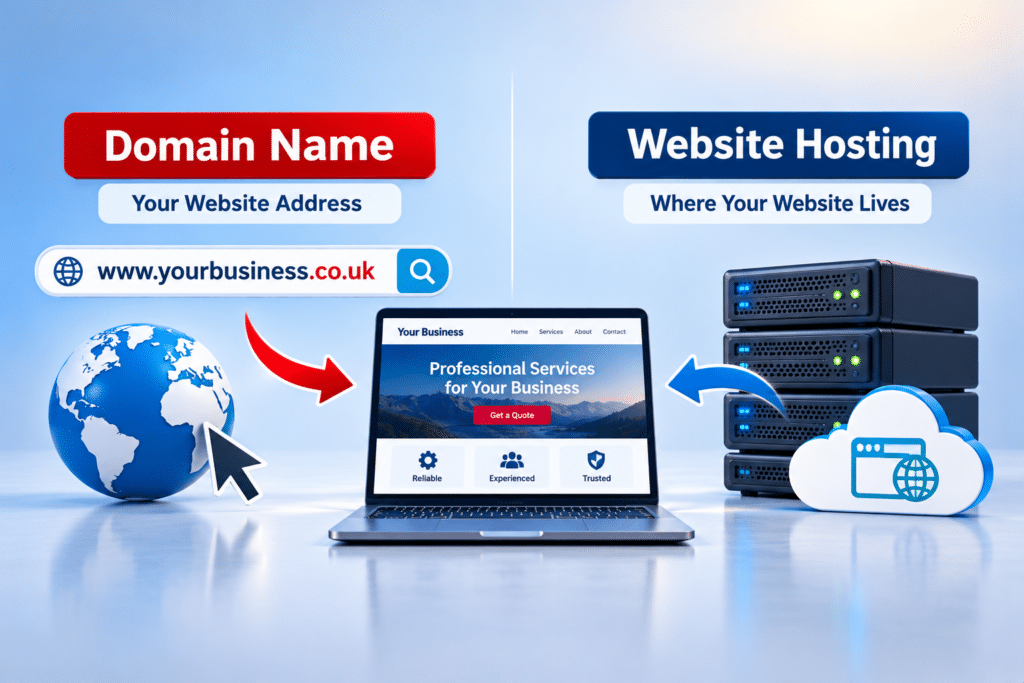
Usually, yes. A typical business website needs a domain name and somewhere for its files to be hosted. Some website-building services include hosting in their subscription, so check exactly what you’re paying for and whether you control your domain.
4. Can a one-page website have a blog?
Yes, but adding individual blog posts means the website is no longer strictly a single-page site. You can still keep a simple one-page homepage while publishing articles on separate URLs. This may be useful if you want to answer customer questions regularly.
5. Can I sell products from a one-page website?
You can sell a small number of products or take payments using suitable tools, but a larger online shop usually benefits from separate product, basket, checkout and policy pages. The right setup depends on what you’re selling and how customers need to complete their purchases.
6. Will a one-page website load faster?
Not necessarily. A single page can still be slow if it contains oversized images, videos or unnecessary scripts. Speed depends on how the website is built, what it loads and the quality of its hosting, not simply on the number of pages.
7. Can I use a one-page website for more than one town?
Yes. You can describe the towns and areas your business genuinely serves. However, mentioning several locations doesn’t guarantee rankings in each one. If you offer different services or useful location-specific information, additional pages may eventually make sense.
8. Can a one-page website have online booking?
Yes. Many booking tools can be added to or linked from a one-page website. Before choosing one, check the ongoing fees, how customers receive confirmations and whether the system suits the way your business handles appointments.
9. Do I need a separate privacy policy page?
If you collect personal data, you need to provide appropriate privacy information. A separate privacy page is often the clearest solution, although the exact presentation depends on your website and legal obligations. You should also consider any relevant cookie information and consent requirements.
10. How do I know when my one-page website has become too small?
Look for signs that customers struggle to find information, regularly ask questions already covered on the site or need detailed explanations of different services. If the page is becoming long and difficult to navigate, adding dedicated pages may improve the experience.
Summary: Is a One-Page Website Enough?
A one-page website can be a practical and affordable starting point for a small business. If you offer a straightforward service and customers mainly need to understand what you do, trust your business and contact you, one well-designed page may do the job.
However, a business with several services, different customer needs or plans to attract visitors through a wide range of searches may benefit from a multi-page website. More pages are useful when they give customers better information, not simply because a larger website looks more impressive.
Choose the format that supports your customers and your business plans. A clear, helpful small website is better than a large website full of unnecessary pages.
What Should You Do Next?
Start by listing your services, the questions customers ask and the main action you want visitors to take. That will help you decide whether everything fits comfortably on one page or needs more space.
If you’d like help planning a website around your business needs, you can explore our business website design service. The aim should be to choose a website structure that suits your business now and can support it as it grows.
Key Takeaways
- A one-page website can work well for a business offering one clear service.
- Simple navigation and easy contact options matter more than page count.
- A single page can appear in Google search results, but may be less suitable for covering many different search topics.
- Multiple services often benefit from separate, detailed pages.
- A one-page website isn’t automatically faster or cheaper in every situation.
- Hosting, maintenance and privacy responsibilities still apply.
- Choose a website platform that allows your business to expand later.
Found This Helpful? Share It
If you found this article useful, please share it with other business owners who might find it helpful too.
A quick share on LinkedIn, Facebook or your favourite social platform could help someone else find the advice they need.