
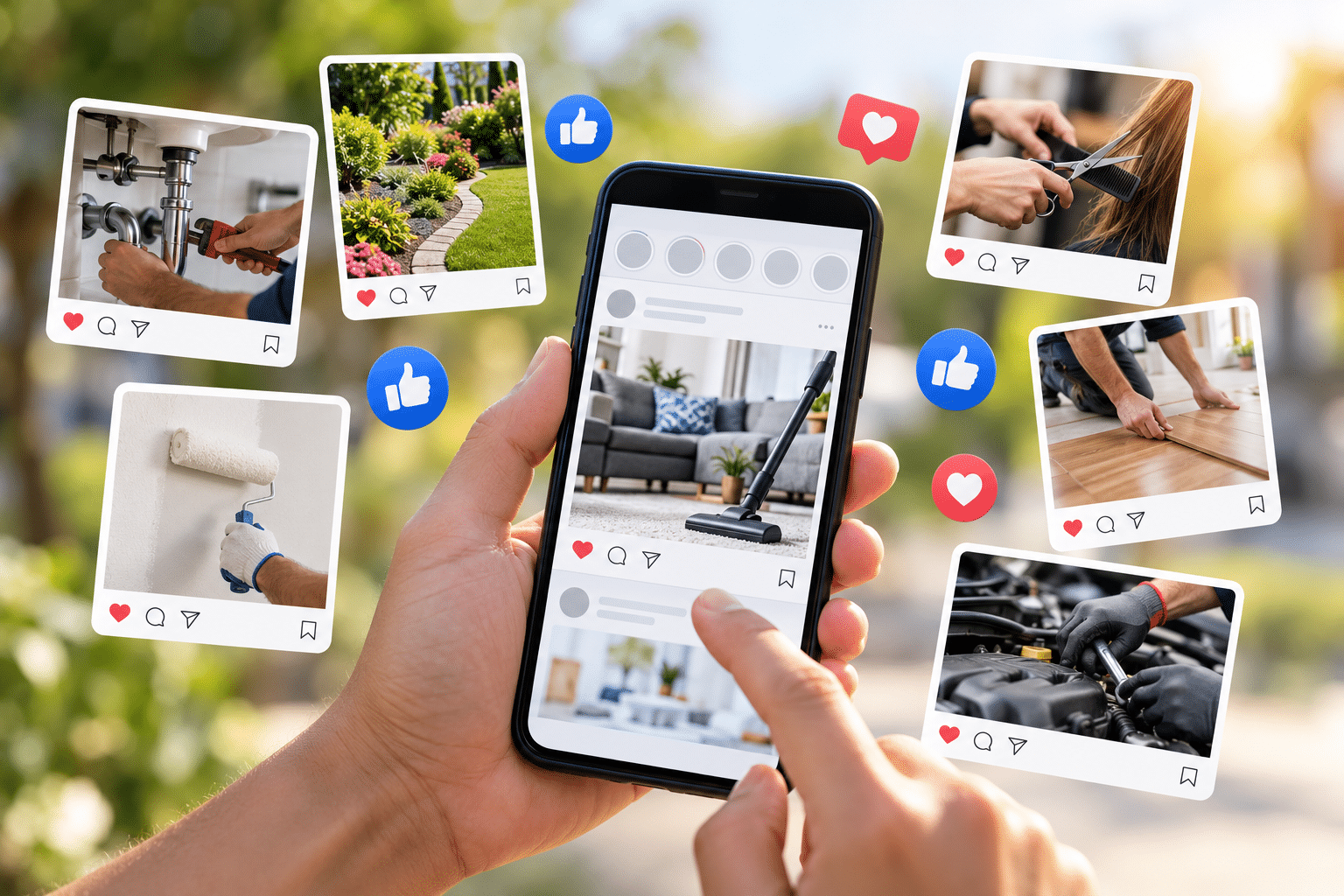
What Are the Best Social Media Posts for Local Service Businesses?
If you run a plumbing business, cleaning company, beauty salon or another local service business, you’ve probably wondered what you should be posting on social media. You might share the occasional photograph, advertise an offer or remind people that you’re available for work. But are those posts actually helping your business?
For many small business owners, the problem isn’t setting up a Facebook or Instagram page. It’s knowing what to say once the page is there. You want to stay visible without annoying people, show what makes your business worth choosing and encourage customers to get in touch.
The best social media posts for local service businesses do more than advertise. They show your work, answer customer questions, build trust and give people a reason to remember you when they need your services.
Quick Answer
The best social media posts for local service businesses are genuine before-and-after photographs, completed job showcases, customer reviews, helpful advice, frequently asked questions, behind-the-scenes updates, team introductions, local community posts, seasonal reminders and clear service offers.
A good starting point is to combine helpful content with proof of your work and occasional promotions. Show real examples, explain how you solve everyday customer problems and make it easy for people to contact you. You don’t need to post every day or follow every social media trend. A few useful, consistent posts can be a more sensible approach than publishing content simply to fill your page.
Why Social Media Posts Matter for Local Businesses
People don’t always book a service the first time they hear about a business. Someone might notice a local electrician’s work on Facebook, remember the company name and make an enquiry several weeks later when they need a repair.
Social media gives you a place to show what your business does between those moments when someone is actively looking for help. Your posts can introduce your services, demonstrate your approach and help potential customers become familiar with your business.
They can also help existing customers remember you. A customer who booked a one-off cleaning service might see your post about regular cleaning packages and decide to enquire again.
However, social media reach doesn’t automatically mean more customers. People may enjoy your content without needing your service. That’s why it’s sensible to judge your posts by relevant enquiries, bookings and customer conversations, rather than likes alone.
Ready-to-Use Social Media Post Examples
Here are four simple examples you can adapt to your own business. Replace the sample details with accurate information about your services and working area.
Example: Local Cleaning Company
Post idea: “Thinking about booking a deep clean? Here’s what to check first. Decide which rooms need attention, make a note of any problem areas and ask what is included in the quote. A clear plan helps everyone know what to expect. We offer cleaning services across [Your Area]. Message us if you’d like to discuss your requirements.”
Example: Plumbing Business
Post idea: “Do you know where your main water stop tap is? Finding it before a leak happens could save valuable time. Check that you know its location and keep access clear. If you have a plumbing problem that needs professional attention, contact us to discuss the next step.”
Example: Beauty Salon
Post idea: “Not sure which treatment to book? Tell us what you’re hoping to achieve and we’ll explain the available options, what the appointment involves and any preparation needed. We’d rather help you choose the right treatment than leave you guessing.”
Example: Local Electrician
Post idea: “Planning new lighting for your home? Think about where you need bright task lighting and where softer lighting might work better. A qualified electrician can advise on suitable installation options and electrical safety. We cover [Your Area] and nearby locations.”
Notice that these posts give the reader something useful before asking for business. They also use natural language rather than trying to squeeze every possible service into one caption.
Which Social Media Platforms Should Local Service Businesses Use?
The best platform depends on who your customers are, what kind of service you provide and where people already interact with your business. You don’t need an account on every social network.
| Platform | Good Content to Try | Business Fit |
|---|---|---|
| Local updates, reviews, photographs, offers and community posts | Many consumer-facing local services | |
| Before-and-after photographs, short videos, visual showcases | Beauty, cleaning, decorating, gardening and visual services | |
| Professional advice, company updates, business case examples | Accountants, consultants and business-to-business services | |
| TikTok | Short demonstrations, practical tips and behind-the-scenes clips | Businesses comfortable creating regular video content |
| YouTube | Service explanations, demonstrations and customer questions | Businesses with useful topics that benefit from longer videos |
These are starting points, not guarantees about where your customers will be. A local electrician might find Facebook useful for community enquiries, while an accountant serving other businesses may prefer LinkedIn.
Start with one or two platforms you can manage properly. Ask new customers how they found you, look at which posts produce relevant conversations and adjust your efforts accordingly.
How Often Should a Local Business Post on Social Media?
For a small business managing its own marketing, three useful posts per week can be a sensible starting experiment. Some businesses may manage more, while others will do better with fewer, stronger posts.
There is no universal posting number that guarantees enquiries or reach. Results depend on your audience, platform, content quality and competition for attention. Posting every day isn’t automatically better than posting twice a week.
Consistency helps you build a manageable routine. Choose a schedule you can maintain without taking too much time away from serving customers. Review what happens over several weeks rather than judging everything by one quiet post.
A Simple Weekly Social Media Posting Plan
If you’re unsure how to organise your content, try this weekly schedule for one month. It combines practical advice, proof of your work and a clear reminder about your services.
| Day | Post Type | Example |
|---|---|---|
| Monday | Helpful tip | Answer a common customer question |
| Wednesday | Proof of work | Share a completed job or genuine review |
| Friday | Service reminder | Explain a service, booking option or seasonal need |
During the following week, change the examples rather than repeating the same posts. You might share a team introduction on Wednesday or a local community update on Friday.
Keep a folder of approved photographs, a list of customer questions and a few genuine reviews you have permission to share. This gives you useful material when you’re busy and don’t have time to think of new ideas.
If planning and publishing posts becomes difficult to keep up with, social media management support is one option for maintaining a more consistent presence.
How Can You Turn Social Media Posts Into Customer Enquiries?
A social media post should make the next step easy when someone is interested. That doesn’t mean every caption needs a hard sales message. It means customers should be able to work out how to contact you without searching through several pages.
Use a Clear Next Step
When a post describes a service, explain how customers can ask a question, request a quote or book an appointment. You might direct them to your website contact page, an approved booking link or your business messaging account.
Explain Your Service Area
If you work in specific towns or postcodes, mention the area when it is relevant. A customer looking for a local cleaner needs to know whether you can travel to their address.
Don’t add a long list of towns to every post simply to attract attention. Use location information naturally and keep your business profile accurate.
Make Sure Your Website Matches the Post
Imagine someone sees your post about end-of-tenancy cleaning and clicks through to your website. If the page doesn’t explain that service, its coverage or how to request a quote, they may leave without enquiring.
Your social media posts and website should work together. The post creates interest, while the website gives people enough detail to make a decision.
Measure What Matters
Keep a simple record of enquiries that came from social media. Note the platform, the type of post, the service requested and whether the enquiry became a booking.
Don’t assume a popular post is a successful business post. A photograph may attract hundreds of reactions but no enquiries, while a clear answer to a customer question could lead to a valuable conversation.
Common Social Media Mistakes Local Businesses Should Avoid
One common mistake is posting nothing but advertisements. If every update says “Book now” or “Contact us today”, followers have little reason to pay attention when they don’t immediately need your service.
Another is using photographs that don’t represent your work. Generic images can make a page look active, but genuine examples usually tell customers more about what you actually offer. Never present stock photographs or AI-generated examples as completed customer jobs.
It’s also easy to copy a trend that doesn’t suit your business. You don’t need to dance on camera or make jokes about customers simply because another account has attracted attention doing it. Choose a style that fits your service and the people you want to reach.
Finally, don’t ignore comments or messages. If you invite enquiries, make sure someone checks the account and responds within a reasonable time. Avoid discussing private customer matters publicly.
Expert Insight From Daren Ward

Having worked in website design and online marketing since 2004, my advice is to think about what happens after someone notices your social media post. Does the customer understand what you do, whether you cover their area and how to take the next step?
I would rather see a local business publish a clear photograph of a real job, with a useful explanation and an easy way to enquire, than spend hours creating content that looks impressive but tells customers very little.
A practical exercise is to look at your last ten posts as though you’ve never heard of your business. Can you tell what services you provide? Is there evidence of your work? Are your contact details easy to find? If not, those are sensible things to improve before worrying about how many followers you have.
Action Checklist: Improve Your Next Social Media Posts
- Choose one or two social media platforms your customers are likely to use.
- Write down ten questions customers regularly ask about your services.
- Collect genuine work photographs and check you have permission to publish them.
- Select three post types to rotate throughout the week.
- Add useful details about the service and location where relevant.
- Check that your profile has accurate contact information and a working website link.
- Make time to respond to customer questions and enquiries.
- Review enquiries and bookings after four weeks, not just likes and views.
- Keep the post types that encourage useful conversations and change those that aren’t helping.
Frequently Asked Questions
1. What should a small local business post on Facebook?
Start with completed work, customer reviews, useful advice, local updates and occasional service reminders. Facebook can be a practical place to share information with people in your working area. Use real examples, write clear captions and make it easy for customers to ask questions.
2. Do I need professional photographs for social media?
No. Clear, well-lit photographs taken with a modern phone can work perfectly well for everyday business updates. Make sure the photograph is sharp, shows the work properly and doesn’t reveal private customer information. Professional photography may be useful for major campaigns, but it isn’t required for every post.
3. Should I use hashtags for my local business posts?
Relevant hashtags can help describe your content and may support discovery on platforms that use them. Try a small number of accurate service or location-related tags where appropriate. Don’t assume adding dozens of hashtags will improve results, and avoid tags unrelated to your business.
4. Are videos better than photographs?
Videos can be useful when you need to demonstrate a process, explain something or show a service in action. Photographs are often easier to produce and can communicate a finished result quickly. Test both formats and judge them by relevant customer interest rather than assuming one always performs better.
5. Can I post the same content on Facebook and Instagram?
Yes, provided the content suits both audiences and meets each platform’s requirements. You may need to adjust the image shape, caption length or call to action. Reusing a genuine job photograph is reasonable, but check how the post appears on each platform before publishing.
6. What if I don’t have many followers?
A small following doesn’t mean social media is pointless. Focus on attracting relevant people who might need your services rather than chasing a large audience from outside your working area. Keep your profile accurate, share useful content and encourage satisfied customers to follow your page if they wish.
7. Should I pay to boost my social media posts?
Paid promotion may help you reach a selected audience, but it also creates a cost. Before spending money, make sure your service, working area, offer and contact process are clear. Set a modest test budget you can afford, check the platform’s targeting options and measure actual enquiries rather than views alone.
8. Can I use AI to write my social media captions?
AI tools can help you brainstorm ideas and prepare draft captions. However, you should check every post for accuracy, natural wording and details about your actual business. Never let AI invent customer reviews, completed jobs, qualifications or results. Your own photographs and knowledge remain valuable.
9. What should I do if someone leaves a negative comment?
Respond calmly and professionally where a public reply is appropriate. Acknowledge the concern without arguing or sharing private customer details, then offer a suitable way to discuss the matter. If a comment contains abuse, spam or sensitive information, use the platform’s moderation and reporting options as appropriate.
10. How long does it take for social media to bring in customers?
There is no reliable fixed timescale. Some posts may generate an enquiry quickly, while others mainly help people become familiar with your business. Give your posting plan a fair trial, track relevant enquiries and make changes based on what you learn. Social media should be judged as part of your wider marketing, not as a guaranteed source of immediate bookings.
Summary: Focus on Useful Posts, Not Just More Posts
Social media works best for local service businesses when the content helps potential customers understand what the business does and why they might choose it. Real work photographs, helpful tips, customer reviews and straightforward service information are sensible places to begin.
You don’t need to copy every trend or publish something new every day. Choose a manageable routine, keep your content genuine and make it easy for interested people to contact you. Most importantly, pay attention to the enquiries and bookings your activity supports.
If you’d prefer help organising and maintaining your business accounts, you can explore our social media management service.
Key Takeaways
- Show genuine completed work so customers can see what your business does.
- Use customer questions to create practical, helpful posts.
- Share authentic reviews and get permission before publishing personal details.
- Choose platforms based on your customers, not just popularity.
- Start with a posting schedule you can realistically maintain.
- Include a clear next step when a post is intended to generate enquiries.
- Track relevant enquiries and bookings instead of relying on likes alone.
Found This Helpful? Share It
If you found this article useful, please share it with other business owners who might find it helpful too.
A quick share on LinkedIn, Facebook or your favourite social platform could help someone else find the advice they need.



