A to Z Website Solutions

Website Automation Add-Ons

Make Your Website Do More Of The Work

Turn your website into a smarter business tool that can capture leads, respond to enquiries, book appointments, follow up customers and handle repetitive tasks automatically.

Your website should do more than simply display information about your business. With the right automation, it can help move potential customers from their first visit towards taking the next step.

From a simple automated enquiry response to a complete lead management workflow, we can help automate the repetitive jobs that happen before and after someone contacts your business.

Whether you are busy, with a customer or finished for the day, your website can keep important parts of your business moving in the background.
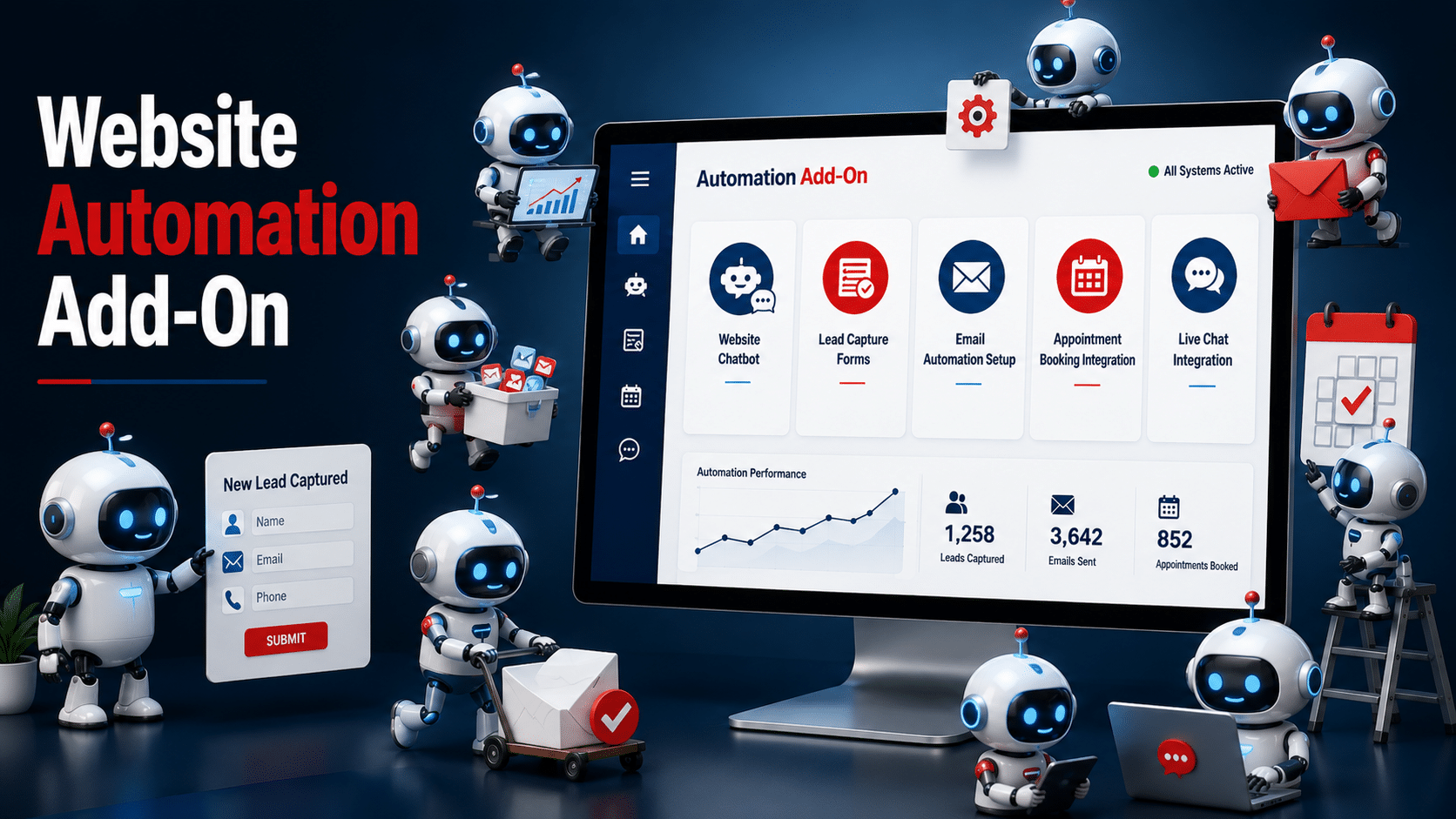
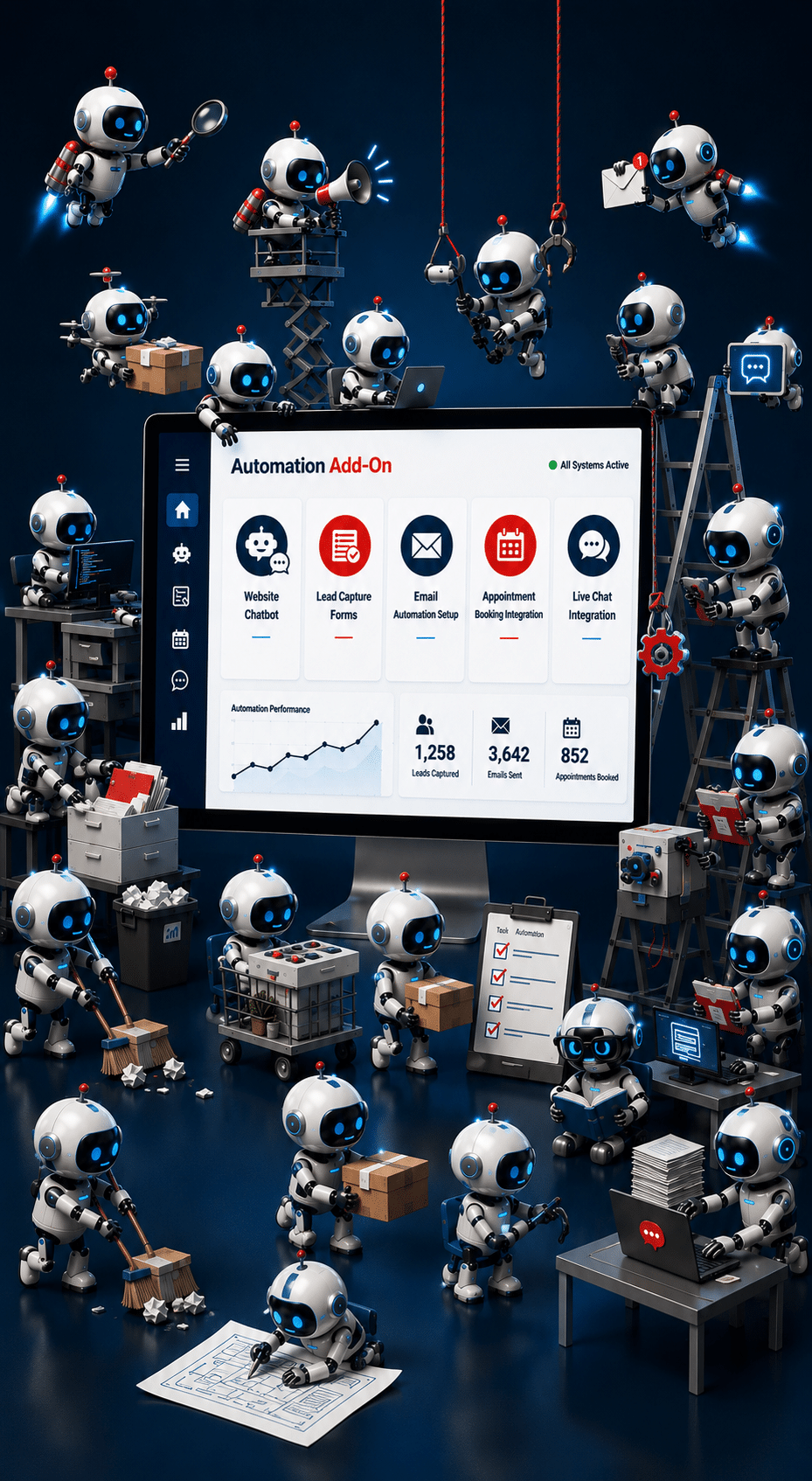
Website Automation Services

Smart Automation Add-Ons

Turn Your Website Into a 24/7 Business Tool

What Can You Automate?

Turn One Website Enquiry Into A Complete Automated Workflow

Imagine somebody visits your website at 9:30pm and asks for a quote. Instead of that enquiry sitting in your inbox until somebody notices it the next morning, your website could immediately start the next stage of your customer journey.

The right automation can respond to the customer, collect extra information, notify your team, record the lead and even start a follow-up process automatically.

You do not need to know which software, AI tool or integration you need. Tell us what you want to happen and we can recommend a practical way to automate it.

One enquiry could automatically:

  • Capture the customer's details
  • Send an instant acknowledgement
  • Ask additional qualifying questions
  • Record the enquiry in your CRM or lead system
  • Notify the right person in your business
  • Send the customer useful information
  • Start an appropriate follow-up sequence
  • Offer the customer the option to book a call
One website enquiry can trigger an entire workflow without someone manually completing every step.
Website Automation Add-Ons
Why Website Automation?

Spend Less Time On Repetitive Website Tasks

A website enquiry is often only the beginning. Someone still needs to reply, record the customer's details, send information, arrange an appointment, update another system or remember to follow up.

When those small jobs happen several times a day, they can quickly take up valuable time. They can also get delayed or forgotten when your business is busy.

Good automation handles the repetitive steps while keeping you and your team involved where personal service, judgement or a real conversation is needed.

Where Automation Can Make A Difference

The right website automation can help you:

  • Respond to new enquiries without waiting for someone to check an inbox
  • Reduce repetitive emails and routine admin
  • Keep lead and customer information more organised
  • Follow up potential customers more consistently
  • Reduce the chance of enquiries being forgotten
  • Make booking appointments easier for customers
  • Connect your website with other business systems
  • Create a smoother journey from website visitor to customer
View Automation Options
Website Automation Ideas

What Could You Automate On Your Website?

Website automation can go far beyond chatbots and contact forms. The right setup can help manage what happens before, during and after a customer contacts your business.

You might want one simple automation, such as sending an instant response when somebody completes an enquiry form. Or you may want several automations connected together to create a complete customer journey.

You can start small and add more automation as your business grows. We can help you decide which tasks are worth automating and which are better handled personally.

Lead & Sales Automation

  • Smart lead capture forms
  • Instant enquiry responses
  • Lead qualification
  • Quote request workflows
  • Automated email follow-up
  • Appointment booking
  • CRM lead creation and updates

Customer & Business Automation

  • Customer onboarding
  • Appointment confirmations and reminders
  • Payment and deposit workflows
  • Review request automation
  • Internal team notifications
  • Customer support routing
  • Website-to-business software integration

Popular Website Automation Add-Ons

These are some of the most useful automations we can add individually or combine into a larger workflow.

  • 01
    AI Website Chatbot
  • 02
    Smart Lead Capture
  • 03
    Email Follow-Up
  • 04
    Appointment Booking
  • 05
    Lead Qualification
  • 06
    CRM Integration
  • 07
    Customer Onboarding
  • 08
    Review Requests
  • 09
    Quote Requests
  • 10
    Payment & Deposits
  • 11
    Team Notifications
  • 12
    Custom Workflows

You do not need to know which software or technology you need. Tell us what you want to happen automatically and we will look at the best way to achieve it.

Website Automation Add-Ons

Choose What You Want Your Website To Handle

Each automation has a different job. Start with one useful helper or combine several to create a smarter workflow around the way your business works.

Lead capture automation mascot collecting website leads
The Lead Catcher

Smart Lead Capture

Turn more website visitors into genuine enquiries while collecting the information your business actually needs.

Features:
  • Smart enquiry forms
  • Multi-step forms
  • Conditional questions
  • Instant lead notifications
  • Spam protection
Get A Quote
AI website chatbot mascot answering customer questions
The 24/7 Helper

AI Website Chatbot

Give visitors quick answers, guide them around your website and capture enquiries even when you are unavailable.

Features:
  • Answer common questions 24/7
  • Capture customer details
  • Guide website visitors
  • Direct visitors to relevant pages
  • Reduce repetitive enquiries
Get A Quote
Appointment booking automation mascot with calendar
The Appointment Booker

Appointment Booking

Let customers book available appointments without the usual emails and telephone calls going backwards and forwards.

Features:
  • Online booking calendar
  • Calendar integration
  • Automated confirmations
  • Email or SMS reminders where supported
  • Rescheduling options
Get A Quote
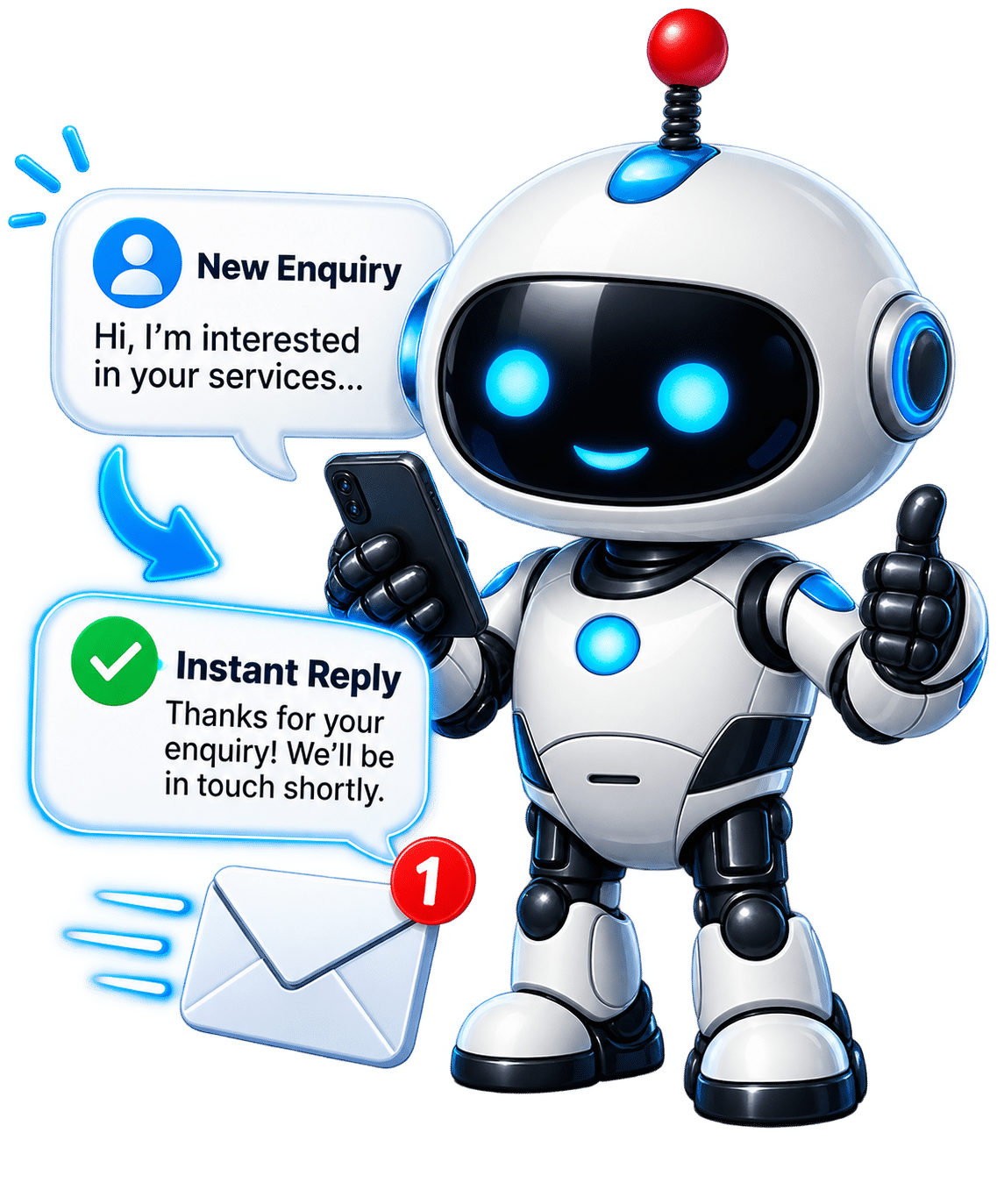
Instant enquiry response automation mascot
The Instant Responder

Instant Enquiry Response

Give potential customers an immediate response after they contact your business, even when nobody is available.

Features:
  • Instant acknowledgement
  • Personalised responses
  • Next-step instructions
  • Automatic information delivery
  • Internal team notifications
Get A Quote
Lead qualification automation mascot reviewing an enquiry
The Lead Qualifier

Lead Qualification

Collect useful information from potential customers before somebody from your business gets involved.

Features:
  • Qualification questions
  • Conditional customer journeys
  • Service selection
  • Project or budget information
  • Lead categorisation
Get A Quote
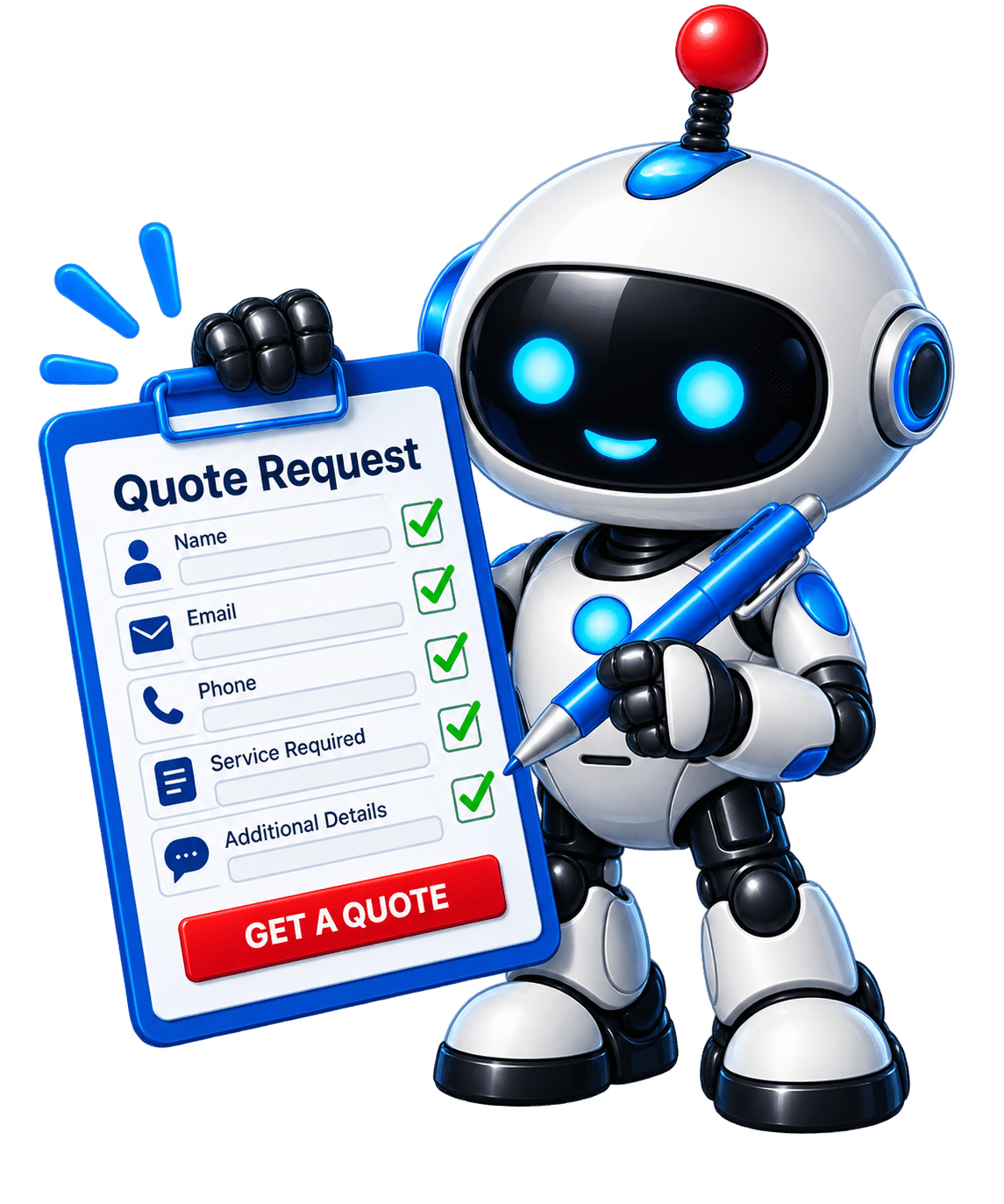
Quote request automation mascot collecting quotation details
The Quote Collector

Quote Request Automation

Collect the information you need from potential customers before somebody prepares their quotation.

Features:
  • Custom quote request forms
  • Multi-step questions
  • Conditional questions
  • File uploads where required
  • Automatic confirmations
Get A Quote
CRM integration automation mascot organising website leads
The Lead Organiser

CRM Integration

Connect your website with a compatible CRM so new enquiries can be recorded without repeatedly copying information manually.

Features:
  • Create new lead records
  • Update existing contacts
  • Transfer enquiry information
  • Assign leads where supported
  • Trigger compatible CRM workflows
Get A Quote
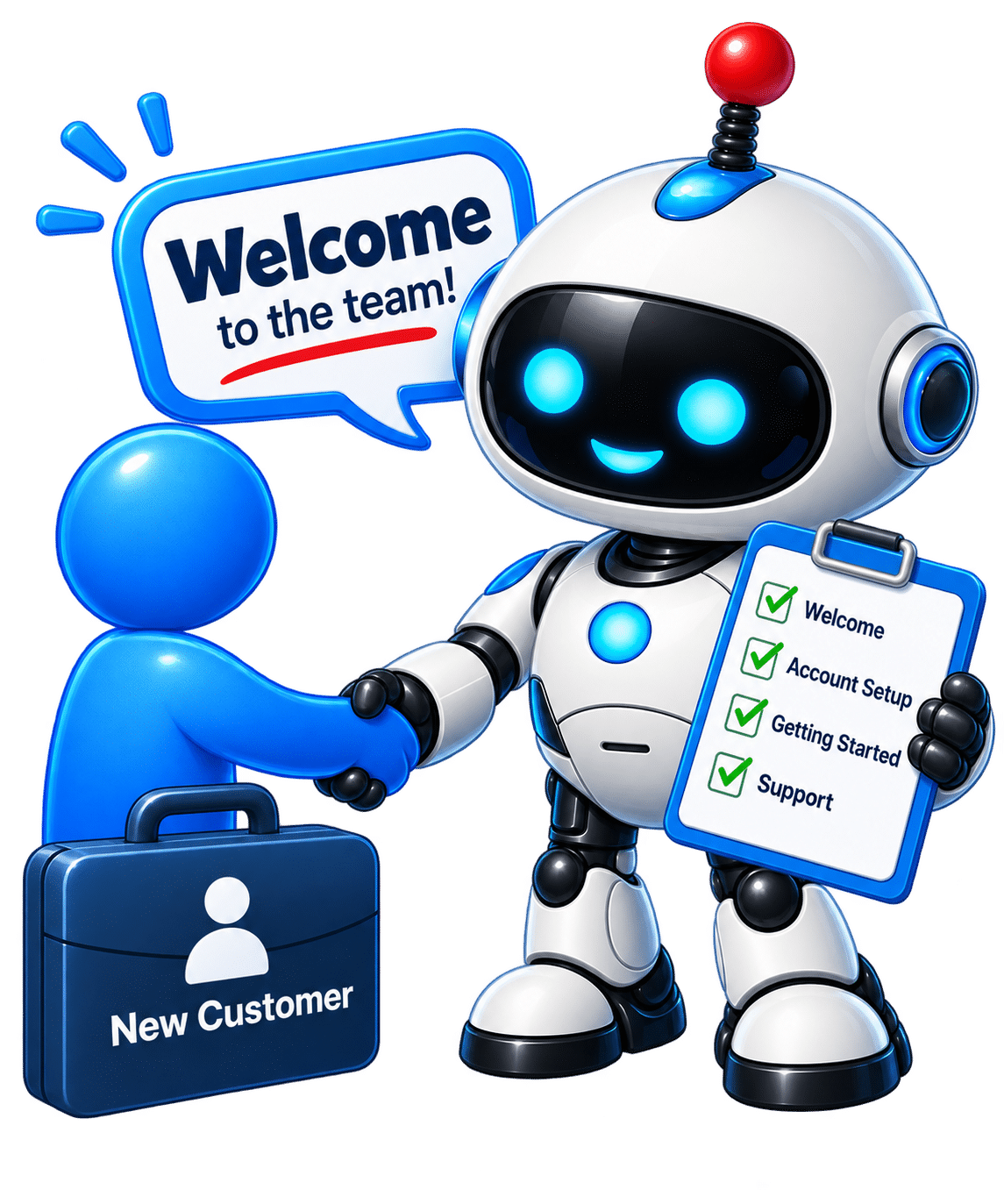
Customer onboarding automation mascot welcoming a new customer
The Welcome Assistant

Customer Onboarding

Give every new customer a professional welcome and automatically provide the information and next steps they need.

Features:
  • Welcome emails
  • Next-step instructions
  • Document delivery
  • Customer information collection
  • Internal team notifications
Get A Quote
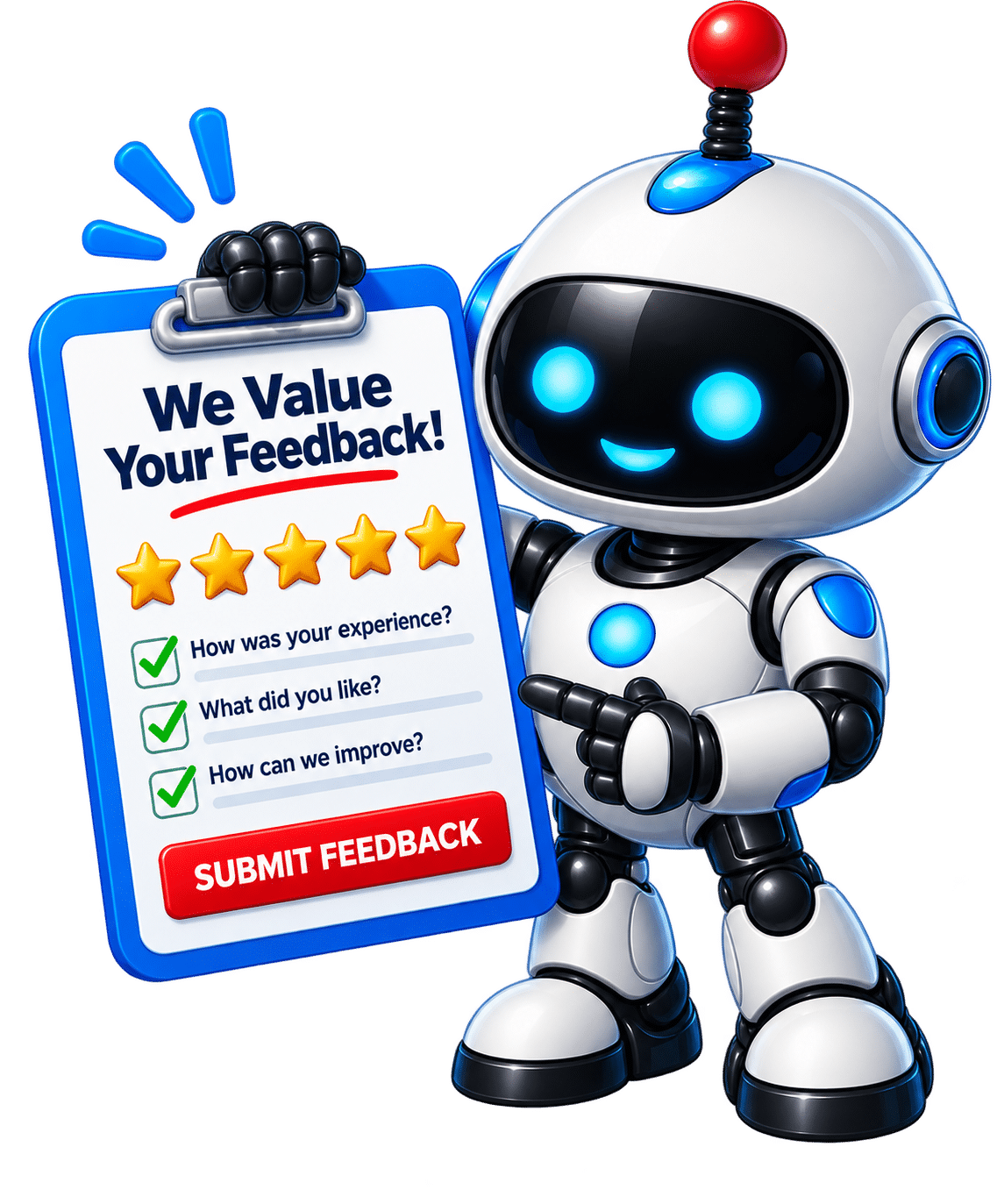
Review request automation mascot asking for customer feedback
The Review Reminder

Review Request Automation

Make asking satisfied customers for feedback and reviews part of your normal customer process.

Features:
  • Automated review requests
  • Timed follow-up messages
  • Review links
  • Customer feedback collection
  • Post-service follow-up
Get A Quote
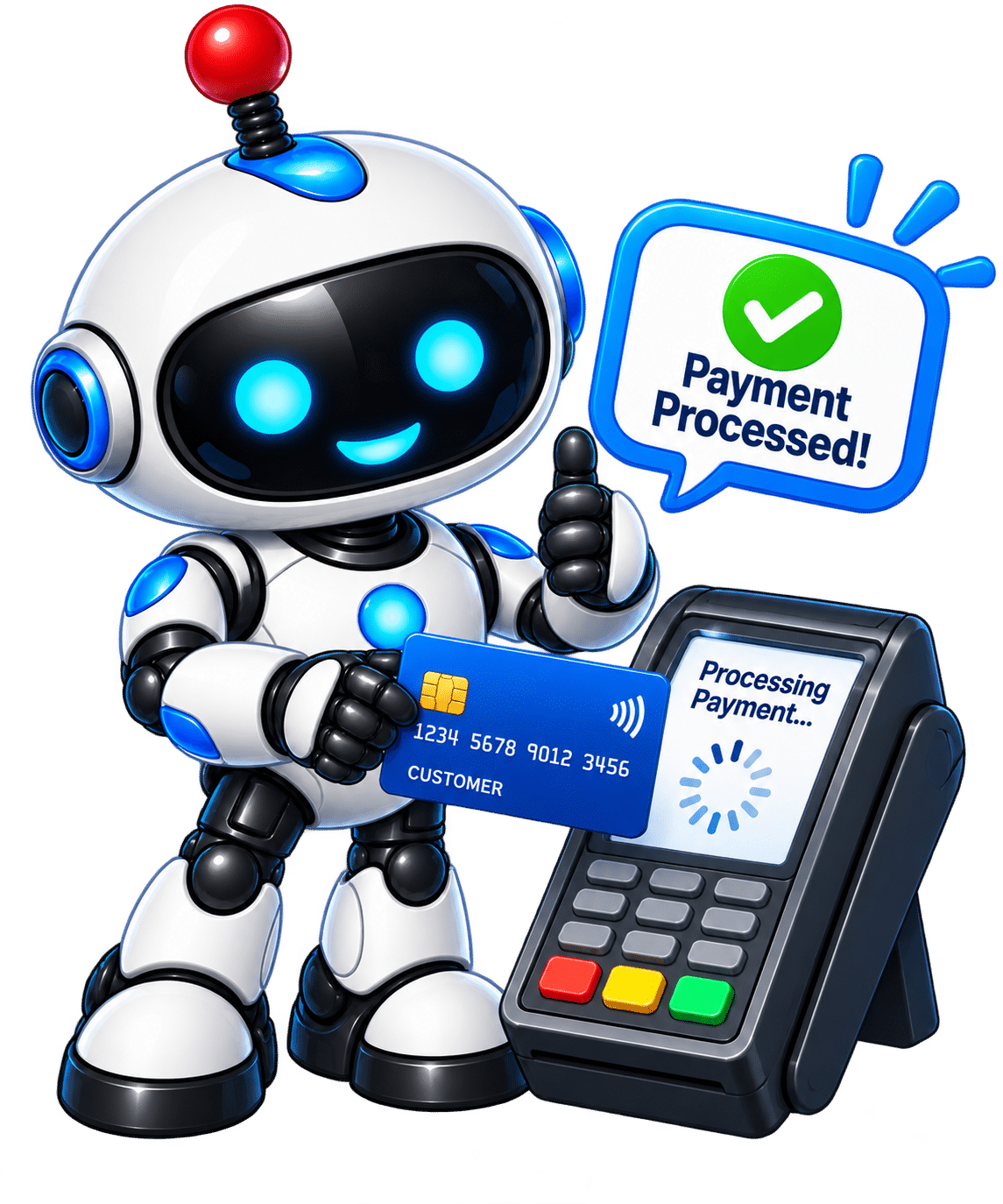
Payment and deposit automation mascot processing payment
The Payment Assistant

Payment & Deposit Automation

Connect compatible online payments or deposits with the next stage of your customer process.

Features:
  • Online payment collection
  • Deposit collection
  • Payment confirmations
  • Internal notifications
  • Trigger next steps after payment
Get A Quote
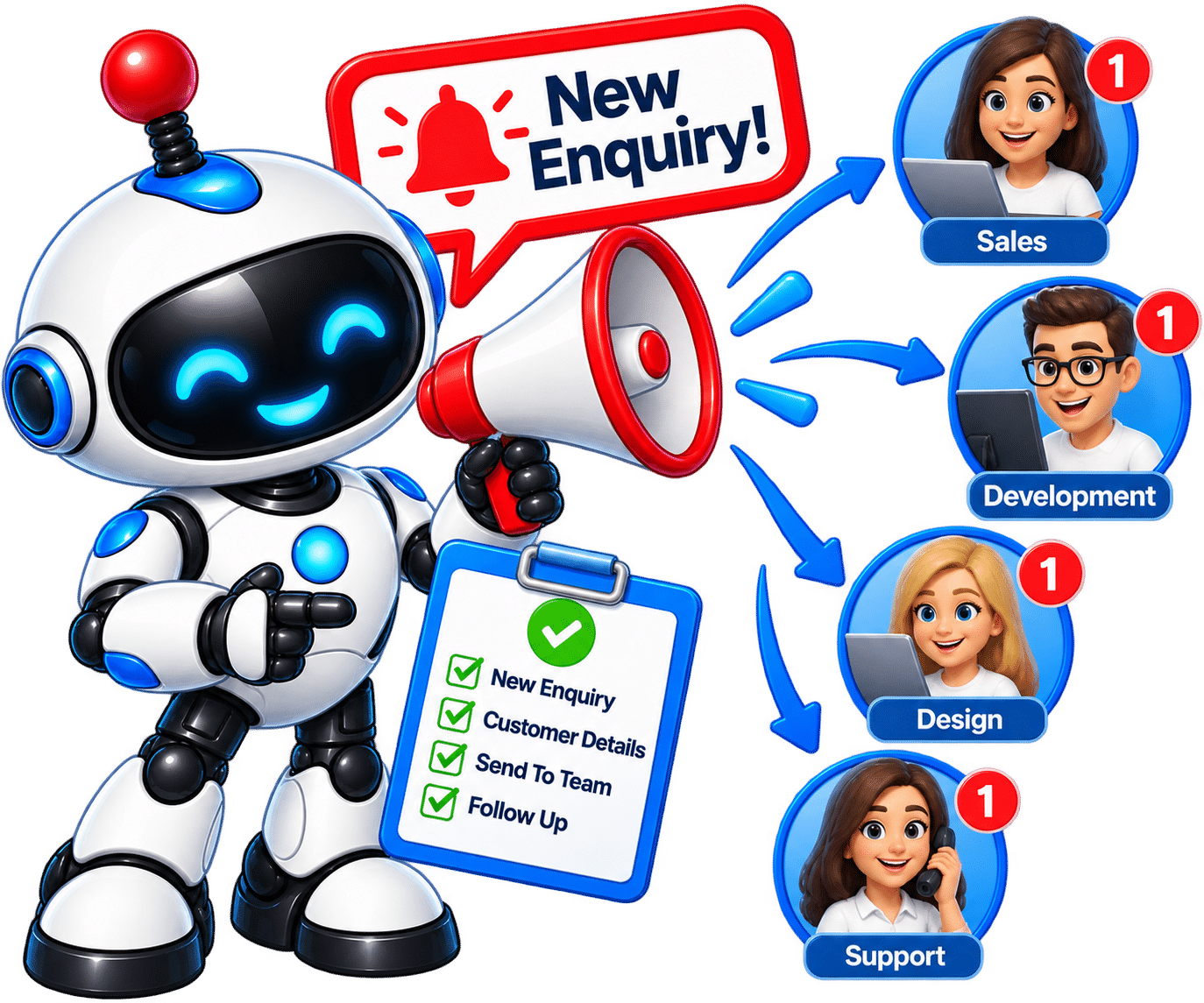
Team notification automation mascot sending business alerts
The Team Notifier

Team Notification Automation

Automatically alert the right person or department when an important action happens through your website.

Features:
  • New lead alerts
  • Quote request notifications
  • Booking notifications
  • Customer support routing
  • Different alerts for different actions
Get A Quote

You do not need all 12. Start with one useful automation or connect several together to create a complete workflow. We can help you decide what makes sense for your business.

Need Something More Advanced?

Your business may have a repetitive process that does not fit neatly into one of the automation options above.

We can look at how information currently moves between your website, customers, team and business software, then explore ways to automate the repetitive parts.

This could include multi-step workflows, CRM integrations, AI-powered tools, APIs, webhooks, lead management systems and bespoke business applications.

You do not need to tell us how to build it. Tell us what you would like to happen automatically and we will look at the best way to achieve it.

Discuss Your Automation Idea
Not Sure What You Need?

You Do Not Need To Automate Everything

The aim of automation is not to add as many tools as possible. It is to find the repetitive parts of your customer journey that take up time, slow down responses, or create unnecessary manual work.

Tell us how your business currently handles enquiries, bookings, quotes, customers and follow-ups. We can then help identify where automation could make a genuine difference.

You can start with one simple automation and add more later as your business grows or your needs change.

We Help You Decide What Is Worth Automating

We look at what happens when somebody visits your website and what your business needs to do next.

  • Where are enquiries currently being lost or delayed?
  • Which tasks are your team repeatedly doing by hand?
  • Where could customers get a faster response?
  • Which website tasks could connect with your existing business systems?
  • What should stay personal rather than being automated?

The goal is simple: automate the jobs that make sense while keeping the human touch where it matters.
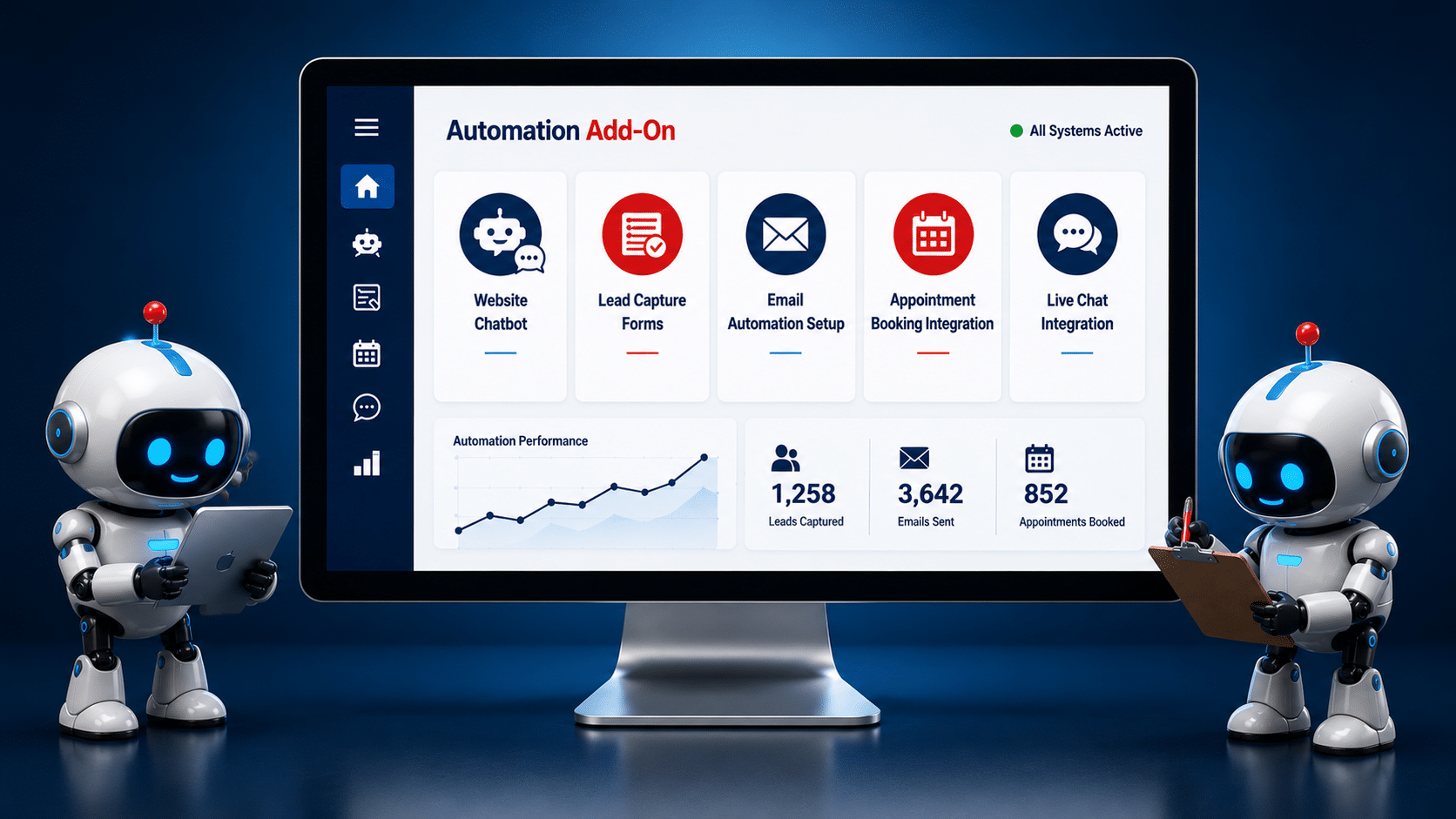

Help Me Choose My Automations
Website Automation Guidance
Connect Your Automations

One Automation Can Help. Several Can Work Together.

Website automation becomes even more useful when different tasks are connected together.

Instead of carrying out each step manually, one customer action can automatically trigger the next part of your process.

A Single Automation

You can start by fixing one repetitive task that is taking up time or causing missed opportunities.

  • Automatically reply to a new enquiry
  • Send an appointment confirmation
  • Ask a customer for a review
  • Add a website lead to your CRM
  • Alert your team when a new lead arrives

A Connected Workflow

Several automations can also be connected so one action automatically starts the next.

  • Capture the customer's details
  • Send an instant acknowledgement
  • Add the lead to your CRM
  • Notify the right person in your team
  • Start an appropriate follow-up sequence
Example: A New Customer Enquiry

A visitor completes an enquiry form on your website. Instead of the information simply sitting in an inbox waiting for somebody to deal with it, a connected workflow could automatically handle several of the next steps.

1
Enquiry Received
2
Customer Gets A Reply
3
Lead Added To CRM
4
Your Team Is Alerted
5
Follow-Up Begins

We Keep The Process Simple

You do not need to understand APIs, webhooks, integrations or automation software.

Tell us what currently happens in your business and what you would like to happen automatically.

We focus on the business problem first. The technology comes afterwards.

How It Works

We look at the job you want to automate and recommend a practical way to do it.

  • Tell Us What You Want To Automate
    Explain the task, problem or repetitive process you would like to improve.
  • We Recommend The Right Setup
    We look at the simplest practical automation for your website and business.
  • We Build And Configure It
    We set up the automation and connect the required parts.
  • We Test The Workflow
    We check the process to make sure each step works as intended.
  • You Start Using It
    Once everything is ready, the automation becomes part of your normal website process.
Website Automation FAQs

Frequently Asked Questions

Not sure how website automation works or what would be suitable for your business? Here are answers to some of the most common questions.

What is website automation?

Website automation means setting up your website to carry out certain tasks automatically when something happens.

For example, when somebody completes an enquiry form, your website could send them an instant response, notify your team, add their details to a compatible CRM and start a follow-up process.

Do I need all of the automation add-ons?

No. The right setup depends on your business, your website and the tasks you want to improve.

You might only need one useful automation. Alternatively, several automations can be connected together to create a larger workflow. We can help you decide what is actually worth automating.

Can you add automation to my existing website?

In many cases, yes. Automation is not only for new websites. We can look at your existing website, what it is built with, and what you would like it to do.

We can then advise what can be added and whether any changes or third-party services are required.

Can several automations work together?

Yes. This is where website automation can become particularly useful.

For example, a new enquiry could trigger an instant customer response, create a CRM record, notify your team and begin an email follow-up sequence. The exact workflow depends on your business and the systems being used.

Can you connect my website to software I already use?

Often, yes. Many business platforms can connect through built-in integrations, APIs, webhooks or third-party automation services.

We will first check the software you currently use and what integration options it provides before recommending a solution.

Can you create a custom automation that is not listed on this page?

Yes. The automation options on this page cover common website tasks, but your business may have a completely different process.

Tell us what you currently do manually and what you would like to happen automatically. We can look at whether a custom workflow or integration can be created.

Will automation replace the personal side of my business?

It does not have to. Good automation should handle repetitive tasks while allowing you and your team to focus on the parts of the customer relationship that benefit from human involvement.

We can help you decide what makes sense to automate and what is better left personal.

Are there ongoing costs for website automation?

It depends on the automation. Some setups may only require the initial development and configuration, while others use third-party software or services that charge monthly, annual or usage-based fees.

We will explain any known third-party costs before you agree to the setup, so you know what is required.

What happens if one of my connected services changes?

Automations can depend on external services, plugins, APIs and software platforms. If one of those services changes how it works, an integration may occasionally need updating.

If ongoing monitoring or maintenance is recommended for your particular setup, we will explain this when discussing the automation.

What if I do not know what I need?

That is fine. You do not need to know which software, integration or automation tool should be used.

Simply explain what happens in your business now, where you are losing time, and what you would like to happen automatically. We can then look at the practical options.

How does the setup process work?

We start by understanding the task or process you want to automate. We then recommend an appropriate setup, configure the required parts and test the workflow.

Once everything is working as intended, the automation can become part of your normal website and business process.

Can I start with one automation and add more later?

Yes. In many cases, starting with one useful automation is a sensible approach.

You can then add other automations later as your business grows, your processes change, or you identify other repetitive tasks that could be improved.

Ready To Automate?

Tell Us What You Want Your Website To Do

You do not need to understand automation software or know which tools you need.

Tell us what currently happens in your business and what you would like your website to handle automatically.

  • Start with one simple automation
  • Connect several tasks into a workflow
  • Add automation to an existing website
  • Explore a custom automation idea
  • Get help choosing the right setup

Start with the problem you want to solve. We will help with the technology.

advance
Ready To Get Started?

What Would You Like Your Website To Do Automatically?

You do not need to know which automation tools, integrations or software your business needs.

Tell us what you currently do manually, where you are losing time, or what you would like your website to handle for you.

We can look at your existing process and recommend a practical automation setup that fits your website and the way your business works.

Start simple. You can automate one useful task, combine several add-ons into a connected workflow, or talk to us about a completely custom automation.

Not sure where to start? Tell us the problem you want to solve and we can help you work out the next step.

Client Login

Skip to content